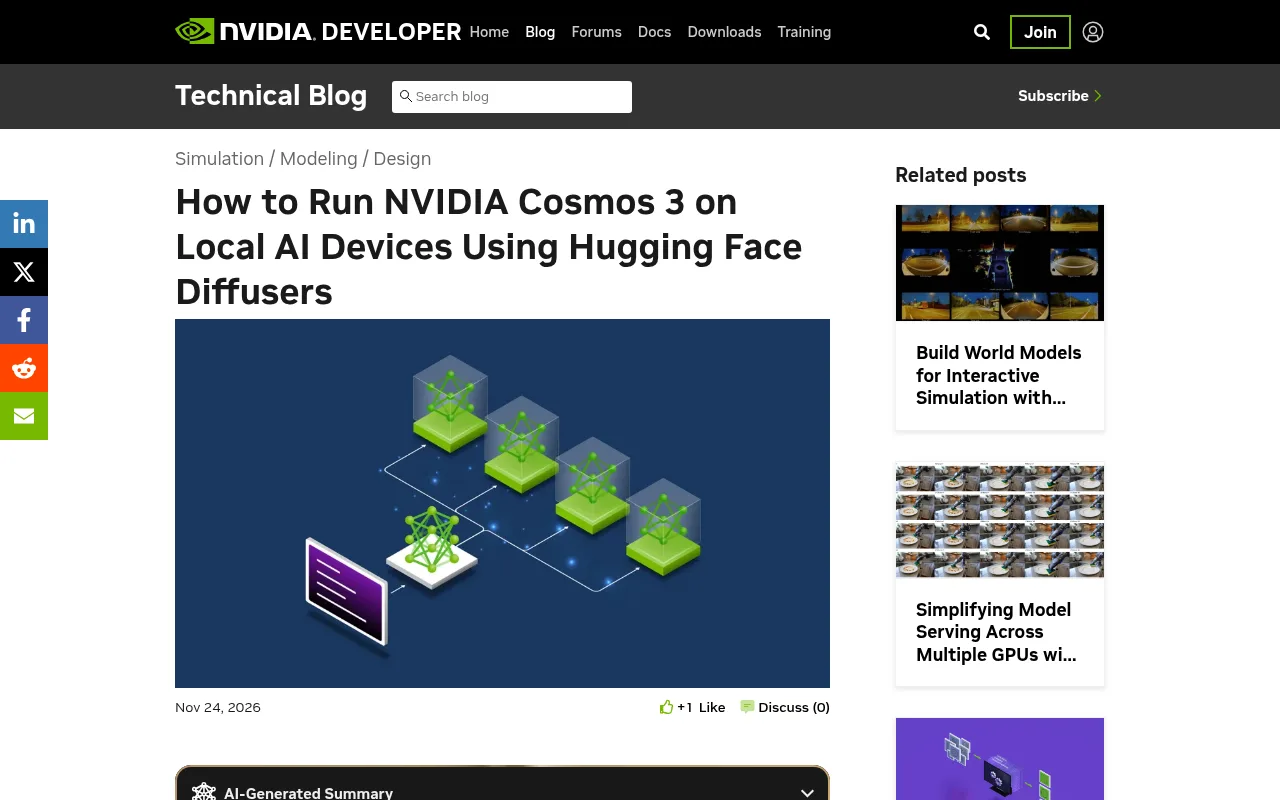
NVIDIA published a tutorial showing Cosmos 3 Nano text-to-video at 1280×720 on a 12 GB RTX 5070, where it takes 2,624.9 s in BF16 and 2,235.7 s in native mixed FP8 (NVIDIA). For someone with a mid-range consumer card, a 720p clip is feasible but is a batch job of tens of minutes, not an interactive one.
How a 12 GB card holds the model
According to NVIDIA, the tutorial explains how to run Cosmos 3 Nano on a GPU with as little as 12 GB of VRAM. The method keeps most model weights in system RAM and moves them to the GPU as needed. Through Hugging Face Diffusers, each call is routed to the right workflow, and the required components load through the same pipeline.
The example settings generate 189 frames at 24 fps, with 35 inference steps, at 1280×720. NVIDIA notes that the approach gives no interactive latency and does not stream weights directly from disk during inference.
RTX 5070 timings by modality and size
In the table below, each row gives “Modality”, “Output size”, “BF16 time (s)”, “BF16 peak (GiB)”, “FP8 time (s)”, “Source page”.
| Modality | Output size | BF16 time (s) | BF16 peak (GiB) | FP8 time (s) |
|---|---|---|---|---|
| T2V | 432×240 | 207.6 | 4.30 | 170.6 |
| T2V | 848×480 | 849.5 | 6.68 | 716.2 |
| T2V | 1280×720 | 2,624.9 | 9.94 | 2,235.7 |
| I2V | 432×240 | 215.0 | 4.39 | 176.1 |
| I2V | 848×480 | 868.6 | 6.91 | 738.2 |
| I2V | 1280×720 | 2,655.3 | 10.84 | 2,269.1 |
| T2V with sound | 432×240 | 218.1 | 4.82 | 177.6 |
| T2V with sound | 848×480 | 864.8 | 6.78 | 731.5 |
| T2V with sound | 1280×720 | 2,647.7 | 11.06 | 2,256.0 |
| Action | 640×480 (720p tier) | 65.9 | 8.06 | 54.3 |
On the RTX 5070, BF16 SDPA text-to-video at 1280×720 took 2,624.9 s (43.75 min) with 9.94 GiB peak memory, according to NVIDIA’s own table. Native mixed FP8 with BF16 SDPA took 2,235.7 s (37.26 min) on the same card and size. At 432×240, text-to-video took 207.6 s in BF16 and 170.6 s in FP8, while 848×480 took 849.5 s and 716.2 s. FP8 is faster at every size shown for text-to-video, and the gap in seconds widens as resolution rises. Adding sound changes little: at 1280×720, text-to-video with sound took 2,647.7 s in BF16 and 2,256.0 s in FP8, close to the plain text-to-video figures.
A faster card and the usage terms
On an RTX 5090 with 32,607 MiB, BF16 SDPA text-to-video at 1280×720 took 1,016.7 s (16.94 min) with 18.22 GiB peak memory. Set beside the RTX 5070’s 2,624.9 s in BF16 at the same size, the RTX 5090’s 1,016.7 s is shorter, and its peak device memory was 18.22 GiB versus 9.94 GiB on the 5070, though NVIDIA says these single-run measurements are not a controlled GPU ranking. Someone budgeting overnight render queues on a 12 GB card can plan around roughly 2,235.7 s per 720p text-to-video clip in FP8, versus 2,624.9 s in BF16.

On terms of use, NVIDIA prohibits using its products or services for purposes that violate applicable law, including illegal surveillance, illegal biometric collection or illegal harassment (NVIDIA). Anyone following the tutorial’s 12 GB local setup should therefore run it within those terms of use.
Not in the sources: price
We check six facts on every story in the full text of each source. The pages listed under Sources do not state a price.
Follow and ask
Add to Preferred Sources on Google
Summarise with AI:ChatGPTClaudePerplexityGoogle AI
How we built this
Published resultsThe table "Full modality results on RTX 5070" on the project's own page
Rows of the table "Full modality results on RTX 5070" published on the project's own page, copied cell for cell by our code, with the page address. These are the project's own figures, not an independent test. The table has 6 columns; 5 shown, with every column that holds a figure this article gives. Not shown: FP8 peak (GiB). Rows: 10 of 21, with every row whose value this article gives; not shown: rows 10, 11, 12, 13, 14, 15, 16, 17, 19, 20, 21.
Sources
The sources this article was written from. Links open the original page.