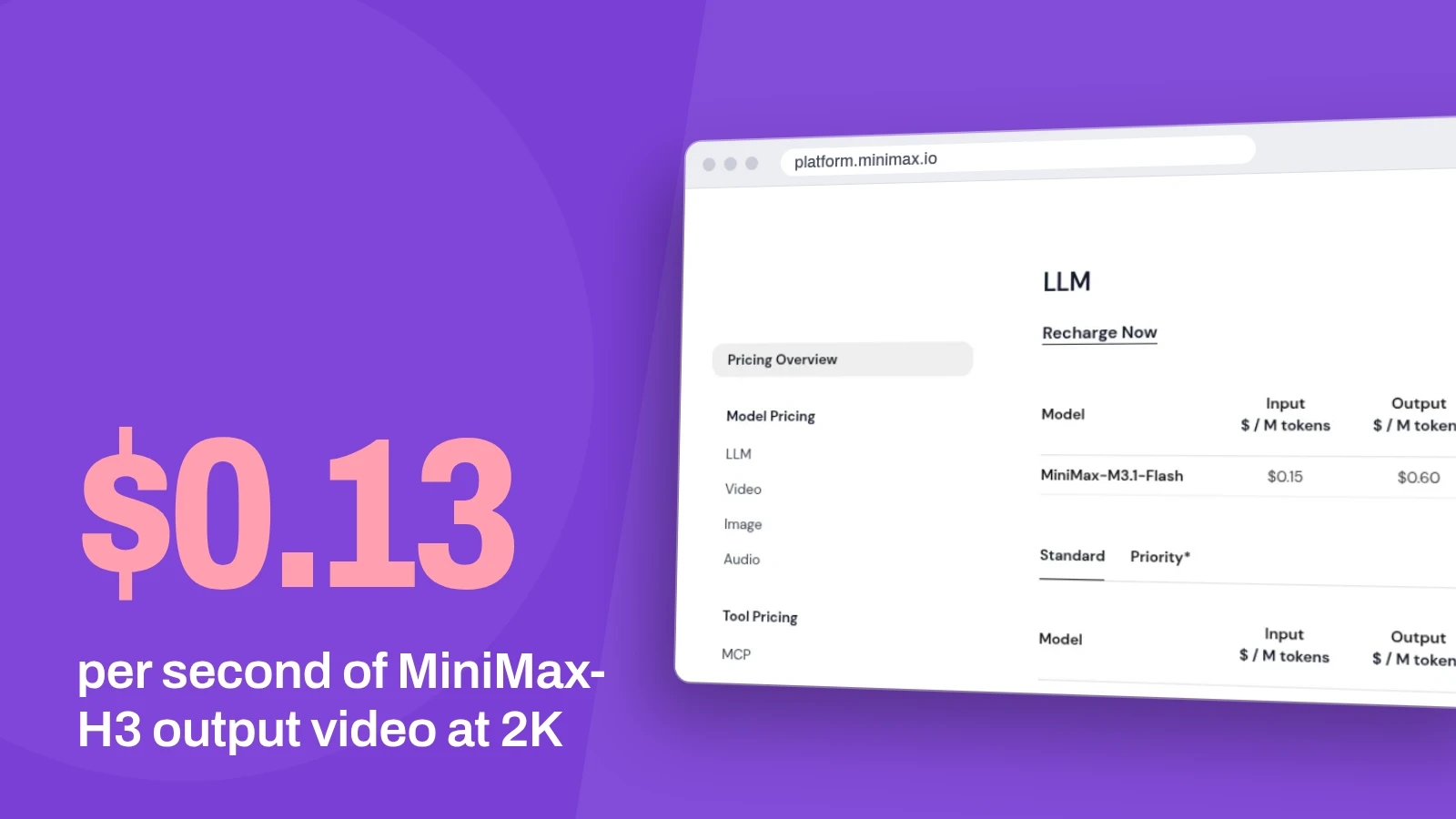
Video API prices are listed in different units, so a dollar figure only means something next to its billing unit. Google’s Gemini API lists Gemini Omni 1.2 Flash video output at $12.00 per 1M tokens in USD, with 5,792 tokens per second of 720p video (ai.google.dev). MiniMax lists MiniMax-H3 at $0.13 for Output Video per second at 2K (platform.minimax.io). Runway lists gen4.5 at 12 credits per second.
What the price table shows
In the table below, each row gives “Provider and video model”, “Video model priced”, “Price as listed”, “Billing unit (per second, per video or credits)”, “Resolution or quality tier covered”.
| Provider and video model | Read on | Video model priced | Price as listed | Billing unit (per second, per video or credits) | Resolution or quality tier covered |
|---|---|---|---|---|---|
| Gemini Omni 1.2 Flash | Google Gemini API (Veo) | gemini-omni-1.2-flash | $12.00 (video) | per 1M tokens in USD | 5,792 tokens per second of 720p video |
| Veo 3.1 | Google Cloud Vertex AI (Veo) | — | $0.40 / 1 count | — | 720p, 1080p |
| gen4.5 | Runway (Gen-4 API) | — | 12 credits per second | credits per second | — |
| MiniMax-H3 | MiniMax (Hailuo video API) | — | $0.13 | Output Video per second | 2K |
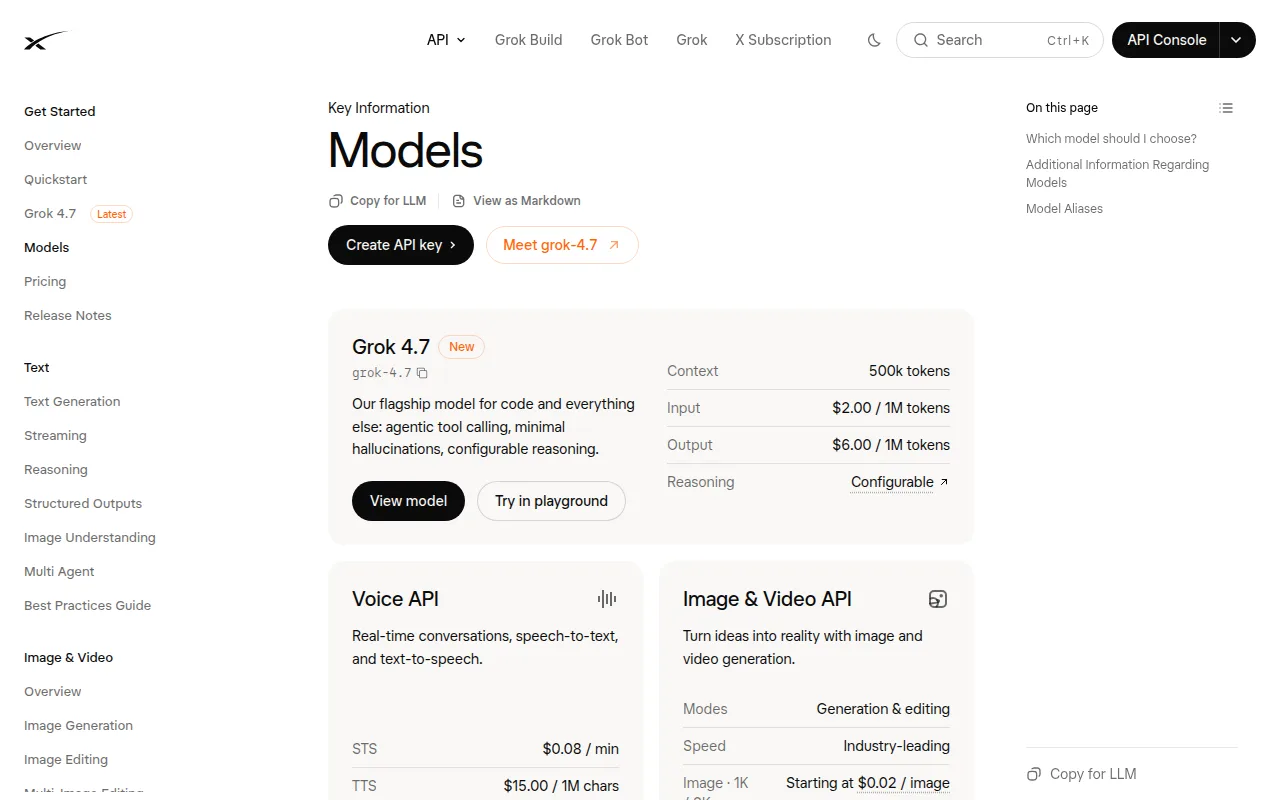
| Image & Video API | xAI (Grok Imagine video) | — | Starting at $0.02 / sec | $0.02 / sec | 480p / 720p / 1080p |
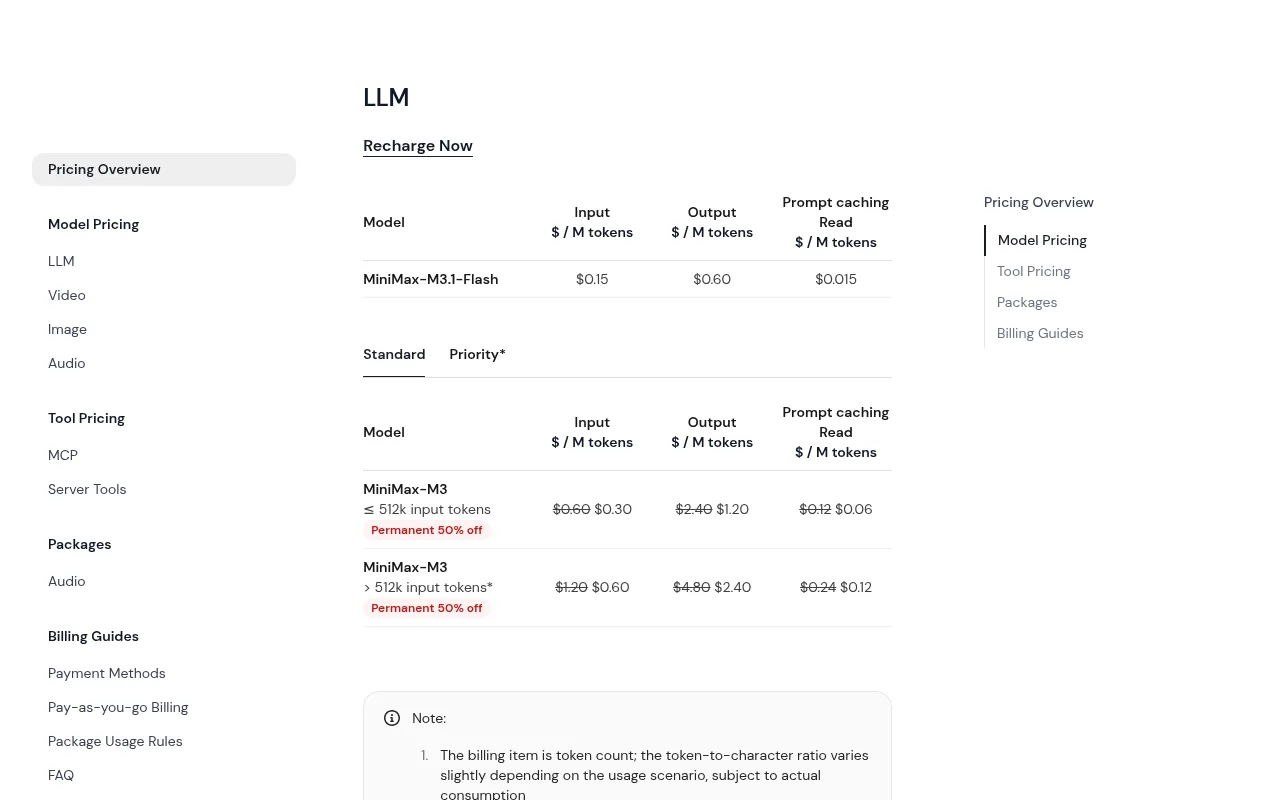
Each row gives the price as the maker’s page words it, together with whatever billing unit and resolution that page names for it. On the Gemini API page, the listed figure for Gemini Omni 1.2 Flash is $12.00 (video), and the unit is per 1M tokens in USD, so the figure is not a price per second until the 5,792 tokens per second of 720p video in the same row is applied. On Runway’s pricing page, gen4.5 is billed at 12 credits per second, which means the row is already a per-second rate but in credits, not in dollars. The MiniMax row for MiniMax-H3 reads $0.13 per second of output video at 2K, so the unit and the resolution tier sit together in that row.
Gemini API: token billing and the 1.1 model change
Google’s Gemini API pricing page lists Gemini Omni 1.2 Flash at the Standard tier with output at $9.00 for text and $12.00 for video. The table row for this model states the unit as per 1M tokens in USD and gives 5,792 tokens per second of 720p video. A reader budgeting clips should therefore start from the token rate per second of 720p video and the $12.00 video output price, and check the page for other resolutions.
The same page describes Gemini Omni 1.1 Flash as the previous generation video generation and editing model. From December 3, 2026, the page says, calls addressed to gemini-omni-1.1-flash are redirected to the 1.2 Flash model and charged at its rates. Anyone still calling the 1.1 name in code should read the 1.2 rates as the ones that apply from that date.
Google’s page also describes Genie 4 as a real-time interactive world generation model streaming steerable 24 fps 16:9 video with synchronized 48 kHz stereo audio. The page says it is available on the paid tier of the Gemini API through the Interactions API.
Runway: credits at $0.01 each
Runway’s developer documentation says credits can be purchased for $0.01 per credit in the developer portal for a project (docs.dev.runwayml.com). Its API pricing page lists gen4.5 at 12 credits per second. Because credits have a stated dollar price on that page, the credits per second figure can be checked against the credit price before a project is funded.
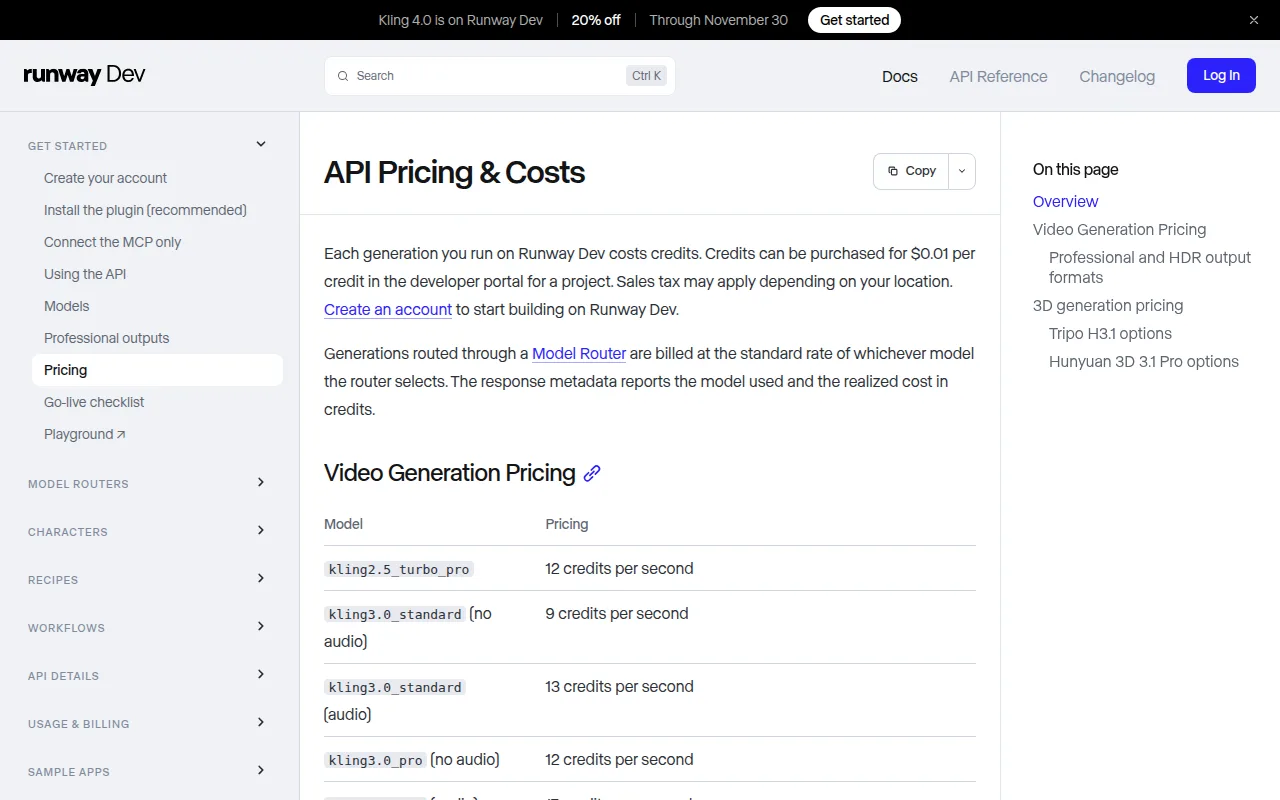
On Runway’s API pricing page, the 720p tier of gemini_omni_flash_1.2 is listed at 7 credits per second, plus 1 credit per reference image or keyframe and 1 credit per second of input video. The same Runway page says gemini_omni_flash_1.2 defaults to 720p. For editing jobs that send input video or reference images, the extra per-item and per-second input charges on that page belong in the estimate alongside the per-second generation rate.
MiniMax-H3, Veo 3.1 and xAI listings
MiniMax’s pricing page lists MiniMax-H3, described as quality first for high-quality video creation, at 2K with $0.13, $0.13 and $0.04 in the columns of its row. In the table, MiniMax-H3 is read as $0.13 for Output Video per second at 2K. The MiniMax-H3 row at 2K has separate columns for output video per second, input video per second and input images beyond the free quota, and the page says input media is billed separately from output.
The Vertex AI listing is the one to check when a project must run on Google Cloud billing.
Luma Ray3.2: output resolution and video-to-video length
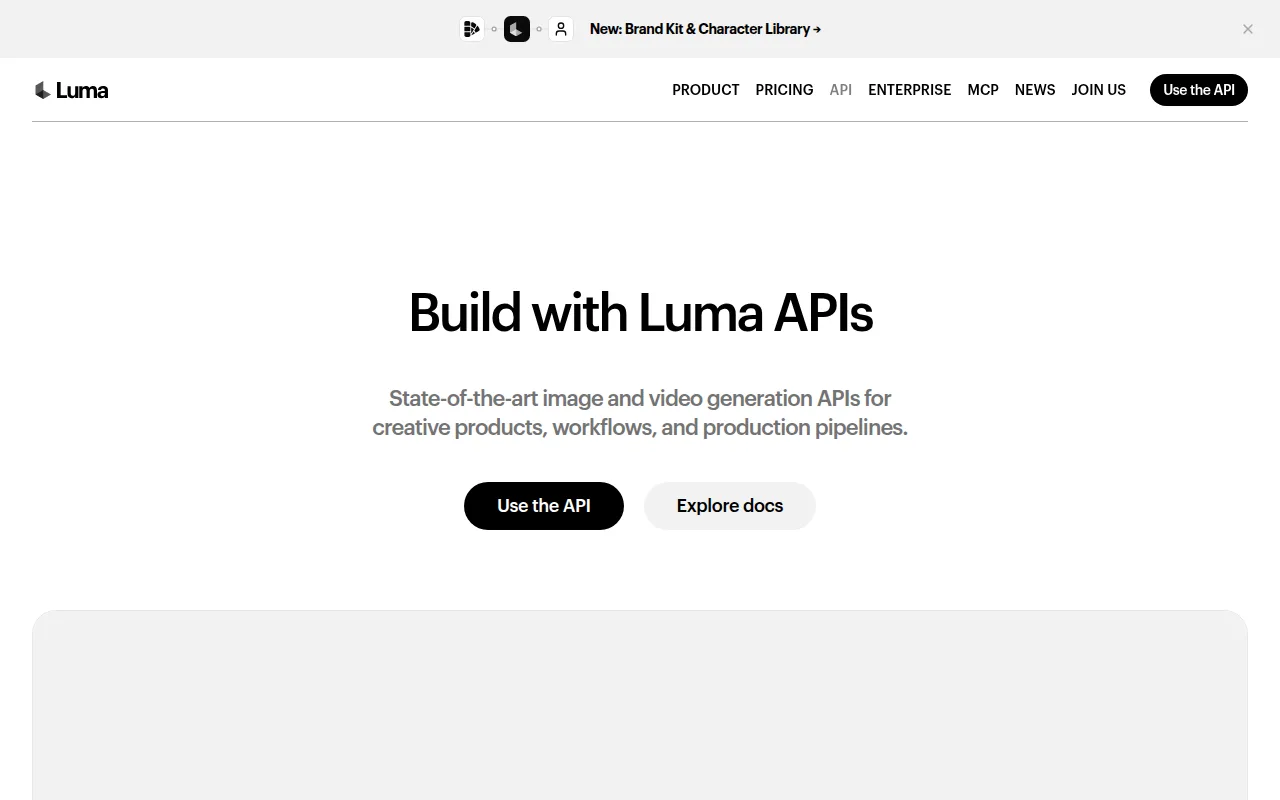
Luma’s developer page for Ray3.2 says 1080p output across the model (lumalabs.ai). It also says V2V works at up to 20 seconds. For video-to-video work, the 20 second limit on Luma’s page sets the longest source clip to plan around, and the page’s resolution statement tells a buyer which output to expect.
How we chose
This guide starts from the 9 official pages listed for its topic before its table was read. The rows of the table come from 5 pages, read on 2026-11-28: Google Gemini API (Veo) (ai.google.dev); Google Cloud Vertex AI (Veo) (cloud.google.com); Runway (Gen-4 API) (docs.dev.runwayml.com); MiniMax (Hailuo video API) (platform.minimax.io); xAI (Grok Imagine video) (docs.x.ai).
A row is in the table only when its name, in the column “Provider and video model”, is written on its page and our code found it there word for word. The table does not score the rows: their order is not a ranking.
The table reads 4 columns on each page: “Video model priced”, “Price as listed”, “Billing unit (per second, per video or credits)”, “Resolution or quality tier covered”. Of its 20 cells, 14 hold a value our code found word for word in a line of the page.
Prices are as the pages listed them on 2026-11-28; they can change after that date.
What we could not verify: for these cells no line of the page gave a value our code could match, so the table leaves them empty: Veo 3.1: Video model priced, Billing unit (per second, per video or credits); gen4.5: Video model priced, Resolution or quality tier covered; MiniMax-H3: Video model priced; Image & Video API: Video model priced.
None of the values comes from a test of ours: the table states what each page says, on the date it was read.
Related coverage: AI video generator Black Friday offers: what each yearly plan deal states.
Follow and ask
Add to Preferred Sources on Google
Summarise with AI:ChatGPTClaudePerplexityGoogle AI
Where to try it
Abracadabrax lists Kling 3.0 Pro, Kling 3.0 Standard and Kling 2.6 Pro among its video models. Kling 3.0 Pro on Abracadabrax
Abracadabrax has a $1 trial for 7 days; it then renews monthly on the plan you pick, from $34 a month, until you cancel.
How we built this
Guide tableAI video generation prices from the makers' own pricing pages: model, listed price, billing unit and resolution
Every cell was read on the official page named in the column "Read on", on 2026-11-28: each value was taken with the line of the page that holds it, and our code kept it only when that line is on the page and holds the value word for word. An empty cell means no line of the page gave that value in a form our code could match.
Sources
The sources this article was written from. Links open the original page.
- ai.google.devGemini Developer API pricing - Gemini API | Google AI Studioai.google.dev
- cloud.google.comAgent Platform Pricing | Google Cloudcloud.google.com
- docs.dev.runwayml.comAPI Pricing & Costs | Runway Devdocs.dev.runwayml.com
- platform.minimax.ioPricing Overview - MiniMax API Docsplatform.minimax.io
- docs.x.aiGrok Models & Pricing | SpaceXSI Docsdocs.x.ai
- lumalabs.aiBuild with Luma APIs | Lumalumalabs.ai
- AbracadabraxAbracadabrax: Klingabracadabrax.app